Split PDF Tool Online: Extract and Separate PDF Pages Quickly and Easily
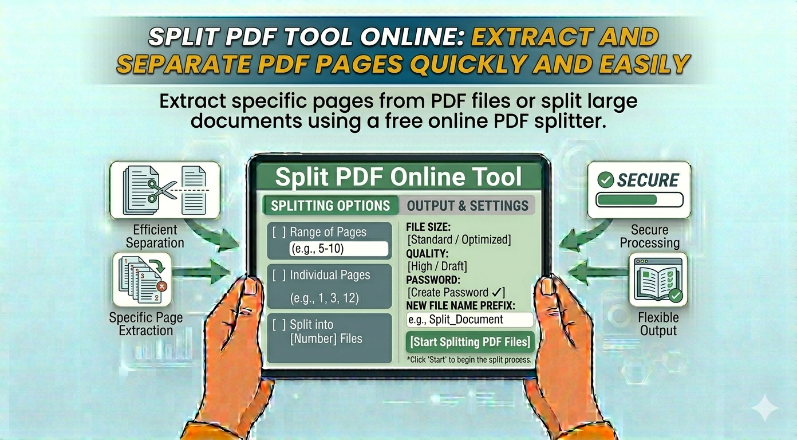
Extract specific pages from PDF files or split large documents using a free online PDF splitter.
Large PDF files often contain unnecessary pages that you may not need. The Split PDF tool helps you extract only the pages you want and create a new document.
This is useful when sharing specific sections of a report, removing unwanted pages, or organizing documents more efficiently. Instead of editing the entire file, you can simply split it into smaller parts.
The tool allows you to select page ranges or individual pages for extraction. It ensures that the original formatting and quality are preserved.
Whether you are a student, professional, or business user, this tool helps you manage PDF files more effectively and save time.
arrow_back Back to Blog
Related Posts
OneDrive October 2026 Update: Hero Links and Copilot
Microsoft's OneDrive update adds smarter Copilot workflows and Hero Links. Learn how to organise files, manage permissions and prepare documents safely.
Google Meet Speech Translation: 63 Languages in 2026
Google Meet speech translation now supports 63 languages with automatic detection. Check eligible plans, limits and rollout timing before your next call.
Google Sheets Box and Whisker Charts in 2026
Google Sheets added native box-and-whisker charts on 22 October 2026. Learn rollout dates, quartiles, outliers and how to compare datasets today.