Top Free Image Tools Online: Resize, Convert to WebP, Base64 & More
Optimize and convert images online using free tools for resizing, WebP conversion, Base64 encoding, and more.
Images are an essential part of any website or digital content, but large or unoptimized images can slow down performance and affect user experience. With free online image tools, you can easily resize, convert, and optimize your images in just a few clicks.
If you need to adjust image dimensions, the Image Resize tool allows you to change width and height without losing quality. This is perfect for preparing images for websites, social media, or presentations.
To improve website speed, converting images to modern formats like WebP is highly effective. The Image to WebP converter reduces file size while maintaining high quality, making your pages load faster.
In cases where compatibility is required, the WebP to JPG converter helps you convert images back to a widely supported format.
For developers and advanced users, the Image to Base64 tool allows you to encode images directly into text format, which can be embedded into HTML or CSS files to reduce external requests.
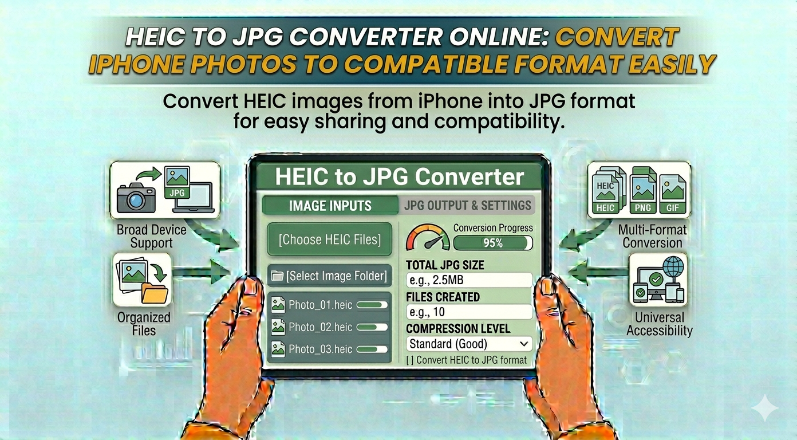
If you're working with images from Apple devices, the HEIC to JPG converter makes it easy to convert files into a more universally supported format.
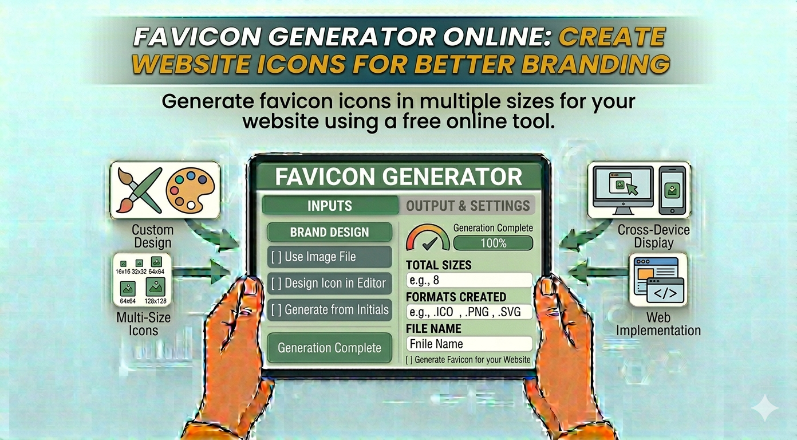
You can also generate icons for your website using the Favicon Generator, helping you build a professional and recognizable brand identity.
These tools are fast, easy to use, and accessible from any device. Whether you're a designer, developer, or casual user, online image tools help you optimize visuals efficiently without any technical complexity.
arrow_back Back to Blog